How to Use

icon

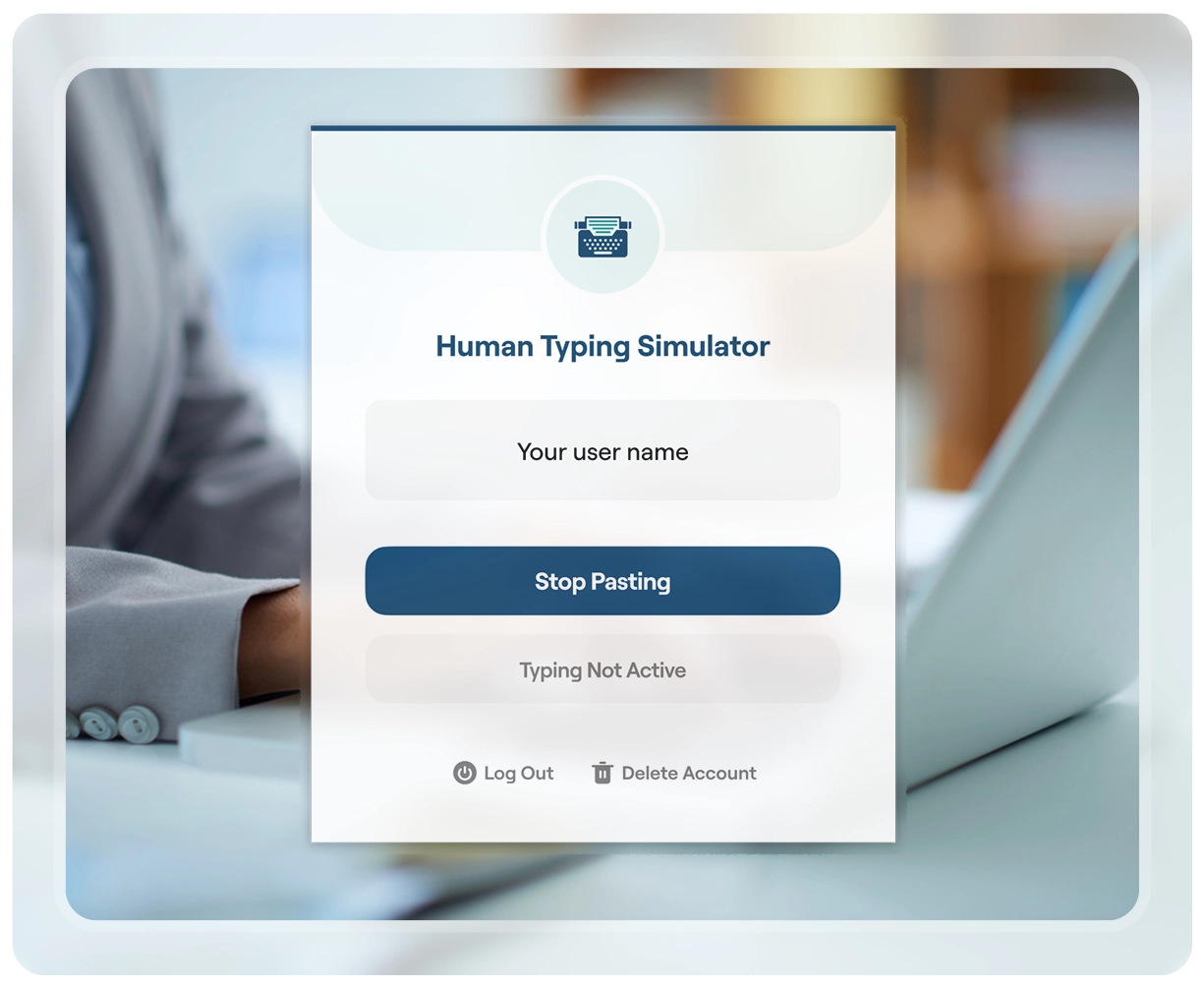
Log In / Register

Create your account in seconds Securely manage all your typing sessions.
icon

Start Typing Simulation

Turn on the "Human Typing Simulator" extension Start simulating human-like typing instantly.
icon

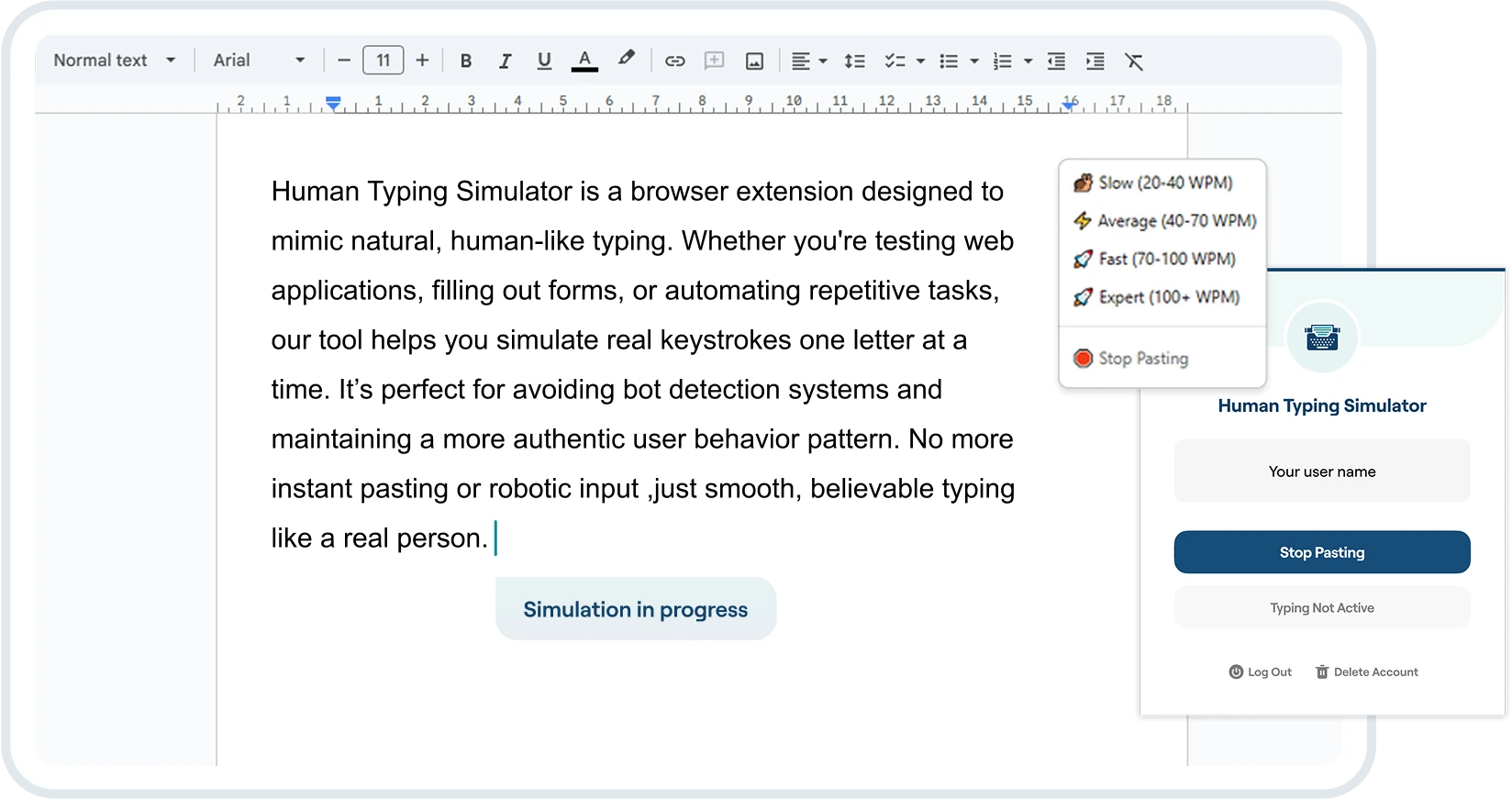
Paste Using the Extension

Right-click, choose a typing speed from the context menu, and your text will start typing automatically.
icon

Use Anywhere

Works seamlessly on forms, text areas, and input fields. Compatible across all websites and platforms.
img

Key Features

Helpful for UX testing, form testing, or automation environments where natural typing is needed.
  • Human-like typing simulation
  • Multiple speed modes: Slow, Average, Fast, Expert
  • Works on any text input or textarea field
  • Simple one-click context menu to start pasting
  • Secure login to protect your settings and preferences
Try the Extension

Don't risk detection. Try our human typing simulator.

Try the Extension